
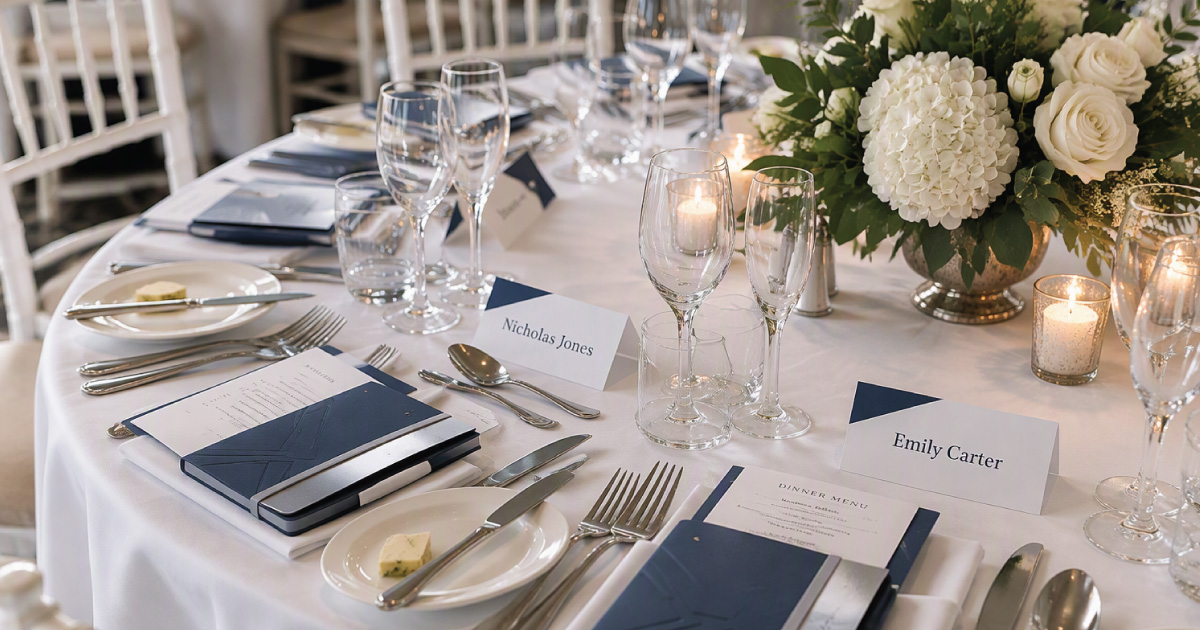
Creating a seating chart sounds pretty simple… until you’re in the thick of it and suddenly find yourself juggling 80 names with a variety of dietary restrictions and a recently divorced couple you can't seat anywhere near each other. Creating a seating chart is genuinely one of the trickiest tasks in event planning. But, we promise that these tips will make creating a seating chart more manageable.
Start With the Room, Not the Guest List
Start by mapping out your room before you even assign a single name. Map out the table shapes and capacities while noting any obstacles like columns, a stage or dance floor. This is not just helpful, it’s essential. You can't make good seating decisions without knowing your constraints first. Starting with a clear floor plan from the start helps you spot any issues early on, and avoid any last-minute scrambling the week of your event.
Seat the Tricky Guests First
Every event has a few guest placements that need some real thought. It might be a guest with a service animal, a recently separated couple, two colleagues who can’t get along or someone who just simply needs to be close to an exit. Handle these guests first when you have a blank canvas and the flexibility to seat them anywhere. Save your easy, flexible guests for last where you’ll be able to slot them in anywhere. This is the most overlooked seating chart tip that can possibly save you the most stress.
Group by Connection, Not Just Category
It’s really tempting to seat people by category – all your colleagues at one table, and all your family on one side of the room. This is understandable, but often the wrong way to do it. Two people who share a department but don't get along aren't going to have a better night because they're at the same table.
Think about which guests share the same interests, history and energy levels, and ask yourself if they would be able to talk easily with one another. Tables built around natural conversation produce better guest experiences than tables built around convenient categories. When in doubt, mix it up! People often enjoy meeting new connections at events more than they expect.
Build In a Buffer — Because Something Always Changes
A confirmed headcount is never truly confirmed; plus-ones materialize, cancellations happen, and dietary requirements change. Leave one or two open spots per table rather than filling to exact capacity. A seating chart with no flexibility is a seating chart that falls apart the moment anything changes.
Use a Tool Built for the Job
Paper charts and spreadsheets make changes painful; moving one person means updating multiple things manually and it's easy to miss something. EventCreate’s seating chart maker is the natural solution with a drag-and-drop interface, multiple table types, and icons for venue features like a DJ booth, bar, and restrooms.
Add attendee photos to your chart so you can see faces and not just names. Ticket buyers can upload a headshot at registration to make this possible. If you’re short on time, use EventCreate’s auto-assign function to place all attendees automatically in seconds.
The seating chart feature is integrated with registration, so attendee data flows directly from your registration form into the seating chart. There’s no manual entry, no copy-pasting names from a spreadsheet. This works for exhibitions too and allows you to do exhibitor layout planning for conferences and trade shows. Best of all, it’s free to use.
Do One Final Check Before the Day
A day or two before your event, go through your seating chart with fresh eyes. Check that every guest has a seat, special accommodations are confirmed, and no names have been accidentally duplicated or dropped. Share your final seating chart with any vendors who need it like coordinators or venue staff as well as any family members involved with the event’s logistics. Communicate this early to avoid any day-of surprises.
A good seating chart isn’t just about logistics, it’s about hospitality. Where a guest sits shapes their whole experience of your event. The event planners who get this right aren't the ones who spend the most time on it; it’s the ones who start early and use the right tools.
Ready to create your next seating chart? Try EventCreate’s free seating chart maker at eventcreate.com .